How to plan a data center exit the right way: strategy, migration, decommissioning, value recovery, and compliance, with a step-by-step checklist.
Closing or consolidating a data center is one of the most complex projects an infrastructure team will ever run. A single facility can hold years of accumulated hardware, contracts, dependencies, and undocumented configurations. Done well, a data center exit frees up capital, lowers operating costs, and modernizes the way an organization delivers IT. Done poorly, it stalls migrations, exposes sensitive data, and leaves stranded assets sitting on the balance sheet.
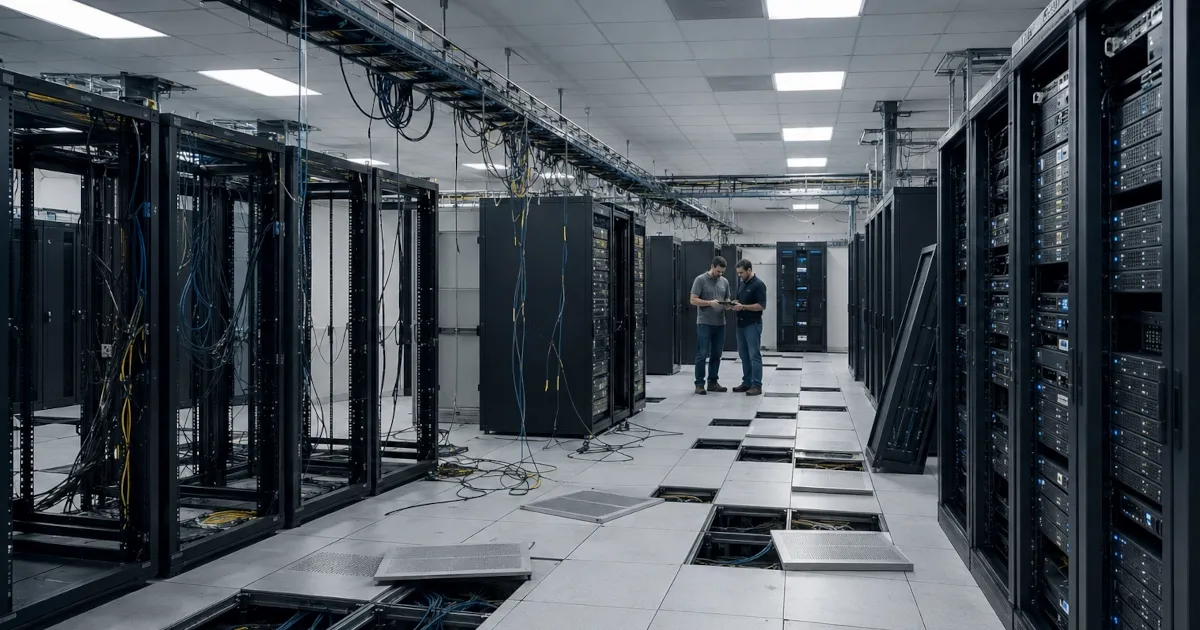
This guide walks through every stage of a data center exit, from the first business case to the final certificate of data destruction. It is written for IT leaders, infrastructure managers, and finance teams who want a clear plan rather than a sales pitch. Where ReluTech can help at a given stage, we say so plainly, but the framework works no matter who you bring in to execute it.
What Is a Data Center Exit?
A data center exit is the planned process of moving workloads out of a facility and then shutting that facility down or handing it back. The term covers several scenarios that look very different in practice:
- Full exit: An organization vacates a facility entirely, whether owned or leased, and relocates every workload elsewhere.
- Consolidation: Several sites collapse into fewer, often as part of a merger or a cost reduction program.
- Colocation migration: Workloads move from an on-premises room into a third-party colocation facility.
- Cloud migration: Workloads move to a public cloud provider such as AWS, and the physical footprint shrinks or disappears entirely.
- Hybrid transition: A mix of the above, where some systems move to cloud, some to colocation, and a smaller core stays on premises.
Every one of these scenarios shares the same backbone. You inventory the environment, decide where each workload goes, move it safely, retire the hardware responsibly, and recover whatever value remains.
Why Organizations Are Exiting Data Centers Now
Several forces have pushed data center exits to the top of the infrastructure agenda over the past two years.
Cost pressure and the shift from CapEx to OpEx
Owning and operating a facility ties up capital in real estate, power, cooling, and refresh cycles. Many finance teams now prefer to convert those fixed costs into flexible operating expense through cloud and colocation, so they pay for what they use rather than for a half-empty room.
The VMware licensing shift after Broadcom
Changes to VMware licensing and packaging after the Broadcom acquisition have prompted many organizations to reassess their virtualization strategy. For some, that review becomes the trigger to move workloads off owned hardware altogether rather than absorb a steep renewal.
Mergers, acquisitions, and divestitures
When companies combine, they rarely need two of everything. Redundant data centers are among the first targets for consolidation. Divestitures create the opposite pressure, where a carved-out business has to stand up or wind down infrastructure against a hard deadline.
Aging hardware and end-of-service-life equipment
When a large share of a facility runs on hardware approaching end of service life, leaders face a choice. They can pour money into a full refresh, or they can use the moment to exit and avoid buying gear they will only operate for a year or two.
Sustainability and reporting commitments
Power-hungry on-premises rooms are increasingly hard to justify against public sustainability targets. Migrating to more efficient facilities or cloud regions, and recycling retired equipment responsibly, supports those commitments and the reporting that comes with them.
The Seven Phases of a Data Center Exit
A successful exit moves through seven phases. Skipping or compressing any of them is where most projects run into trouble.
Phase 1: Discovery and inventory
You cannot exit what you have not mapped. Start with a complete inventory of physical assets, virtual machines, applications, data stores, and the dependencies that connect them. Capture make, model, serial number, age, support status, and power draw for every device. Document which applications talk to which, because hidden dependencies are the single most common cause of failed cutovers.
Phase 2: Build the business case and target state
Decide where each workload should live: public cloud, colocation, a retained on-premises core, or retirement. Model the total cost of each path over a multi-year horizon, including migration effort, ongoing run cost, and the value you expect to recover from retired hardware. Build a clear before-and-after picture so finance and leadership can approve the project with confidence.
Phase 3: Plan the migration
Sequence the moves. Group workloads into migration waves based on dependency and risk, starting with low-risk systems to build momentum and prove the process. Define success criteria and a rollback plan for every wave. If the cloud is part of the target state, map applications to the right services and confirm whether funding programs such as the AWS Migration Acceleration Program can offset migration cost.
Phase 4: Maintain systems through the transition
A data center exit commonly takes 12 to 18 months. During that window, the equipment you are retiring still has to run. Manufacturer support on aging gear is often expensive or no longer offered, and refreshing hardware you are about to decommission makes no sense. Third-party maintenance keeps that equipment supported at a lower cost for the remainder of its working life, so support gaps never force your hand on timing.
Phase 5: Execute the migration in waves
Move workloads wave by wave, validating each one before starting the next. Watch for the resource crunch that almost always appears here, because a migration adds a heavy project load on top of teams that still have to keep the lights on. Many organizations bring in specialized contract talent to cover the surge rather than burn out their core staff.
Phase 6: Decommission and destroy data
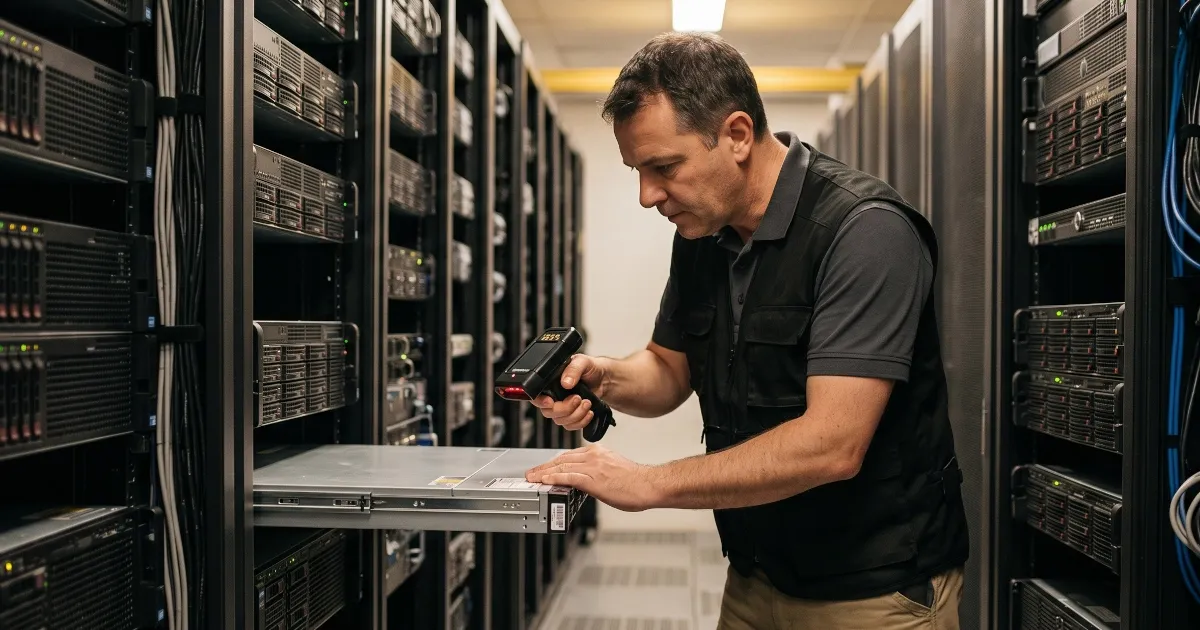
Once a system is confirmed migrated and stable, power it down, remove it from monitoring, and begin secure decommissioning. Every drive that ever held data must be sanitized or physically destroyed using documented, auditable methods. Maintain a serialized chain of custody from the rack to final disposition so you can prove exactly what happened to each device.
Phase 7: Recover value through asset disposition
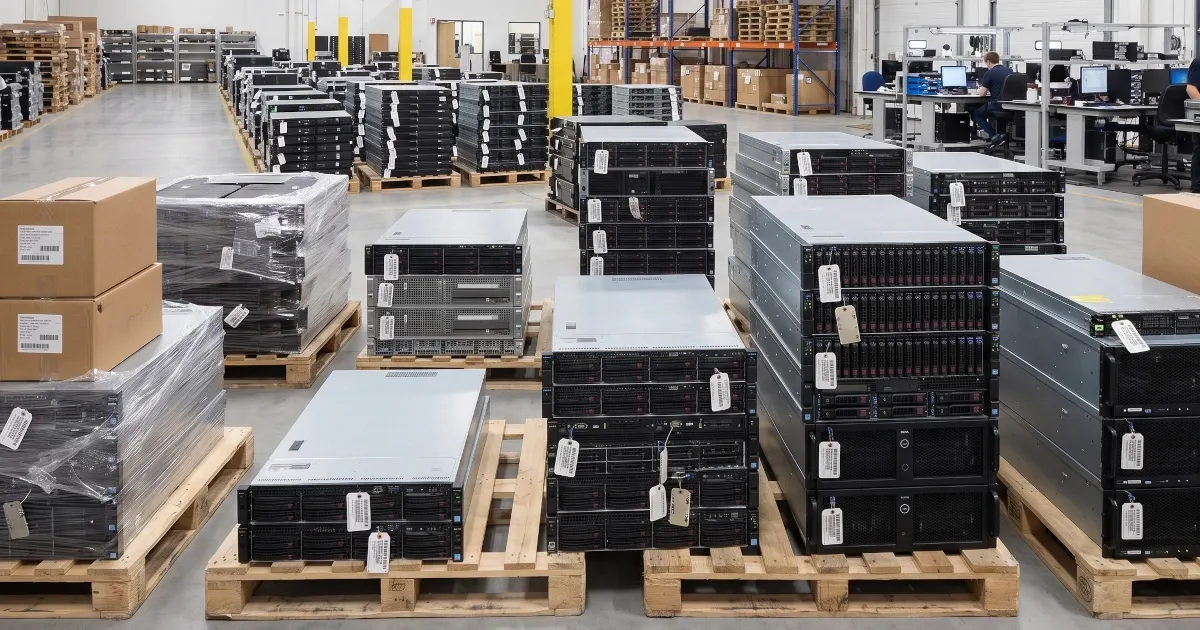
Retired hardware is not just waste. A large share of it carries real resale value. A responsible IT asset disposition process resells what it can, recycles what it cannot, and returns cash or credit to the project budget. Choose a partner certified to a recognized standard such as R2v3, so that data destruction and recycling both meet audited requirements rather than promises.
How Much Does a Data Center Exit Cost, and How Do You Fund It?
Costs fall into a few predictable buckets:
- Migration labor and tooling for moving and re-platforming workloads.
- Dual-running costs while the old and new environments operate in parallel.
- Contract termination or early-exit fees on leases, circuits, and support agreements.
- Secure data destruction, recycling, transport, and certified disposition.
The offset that teams most often overlook is asset value recovery. Decommissioned servers, storage arrays, and networking gear frequently carry meaningful resale value, especially recent-generation equipment. When that buyback is applied against migration cost, the net cost of the exit can fall sharply. In the strongest cases, the value recovered from retired hardware funds a large share of the move to the cloud, which is why pairing migration and asset recovery in a single plan is so powerful.
Planning tip
Get a buyback valuation on your retired fleet before you finalize the migration budget. Knowing the recovery number up front lets finance approve the exit against a net cost rather than a gross one, and it often changes the timeline of which assets you retire first.
Data Security and Compliance During a Data Center Exit
The moment hardware leaves your control is the moment your data is most exposed. Decommissioning is not a back-office task to be rushed at the end of the project. Treat it as a security workstream of its own.
At a minimum, require documented data sanitization to a recognized standard, a serialized chain of custody for every asset, and a certificate of data destruction you can hand to auditors. For regulated industries such as healthcare, finance, and government, confirm that the disposition process satisfies the specific frameworks that apply to you. An R2v3-certified partner provides audited assurance that both data destruction and downstream recycling meet a defined, independently verified standard.
Common Data Center Exit Pitfalls to Avoid
- Underestimating dependencies. An undocumented link between two systems can stall an entire wave. Map dependencies before you sequence anything.
- Treating decommissioning as an afterthought. Security exposure peaks at the end of the project, exactly when attention tends to drift.
- Refreshing hardware you are about to retire. Use maintenance to bridge the gap instead of buying gear with a year of life left in your environment.
- Leaving asset value on the table. Scrapping equipment that still has resale value forfeits budget you could have applied to the migration.
- Understaffing the project. Exits run on top of normal operations. Plan for the surge before your core team is overloaded.
- Skipping the chain of custody. If you cannot prove what happened to a drive, you cannot prove compliance.
Data Center Exit Checklist
Use this condensed checklist to track progress across the project:
- Inventory all assets, applications, data, and dependencies.
- Define the target state for every workload and model the total cost.
- Group workloads into migration waves with rollback plans.
- Secure third-party maintenance to cover aging hardware through the transition.
- Line up the staffing needed for migration surge work.
- Migrate wave by wave and validate before each cutover.
- Decommission migrated systems with documented data destruction.
- Maintain a serialized chain of custody for every asset.
- Recover value through certified asset disposition and apply it to the budget.
- Collect certificates of data destruction and close out contracts and leases.
How ReluTech Supports Your Data Center Exit
A data center exit touches infrastructure, security, finance, and staffing all at once. ReluTech supports the full lifecycle, so you can run the project through one partner instead of stitching together five:
- AWS cloud migration. As an AWS Advanced Tier Services Partner, ReluTech uses Migration IQ (MIQ) to estimate the value of your existing infrastructure, identify hardware and VMware support savings, and quantify funding opportunities that can help offset the cost of migrating to AWS.
- Third-party maintenance. Keep aging equipment fully supported at a lower cost for the rest of its life, so support gaps never dictate your timeline.
- IT asset disposition. R2v3-certified ITAD with documented data destruction, serialized chain of custody, and certificates for audit.
- Infrastructure buy, sell, and lease. Turn retired hardware into recovered value and apply that cash or credit against the cost of your migration.
- Pre-vetted IT staffing. Bring in the specialized talent a migration needs without overloading the team that keeps production running.
Plan your exit with ReluTech
Thinking about closing, consolidating, or migrating a data center? Start with a free buyback valuation and exit roadmap. Talk to a ReluTech specialist.
Frequently Asked Questions
How long does a data center exit take?
Most data center exits take 12 to 18 months from planning to final decommissioning, though smaller single-room exits can finish faster and large consolidations across many sites can run longer. The biggest variables are the number of workloads, the complexity of their dependencies, and how much of the environment moves to the cloud versus colocation.
What is the difference between data center decommissioning and a data center exit?
Decommissioning is one phase within an exit. A data center exit is the full program of moving workloads out and closing or returning the facility, while decommissioning refers specifically to powering down, removing, and securely retiring the hardware once workloads have moved.
How do you securely destroy data during a data center exit?
Sanitize or physically destroy every drive that held data using documented, auditable methods, and keep a serialized chain of custody from the rack to final disposition. Work with an R2v3-certified provider so that data destruction and recycling meet an independently verified standard and you receive certificates of destruction for your records.
Can selling old hardware really offset migration costs?
Yes. Recent-generation servers, storage, and networking gear often carry significant resale value. When that buyback is applied against migration cost, it can fund a large share of the move, which is why asset value recovery should be planned alongside the migration rather than handled as an afterthought.
Should we move to the cloud, colocation, or a hybrid model?
It depends on each workload. Applications that benefit from elasticity and managed services are strong cloud candidates, latency-sensitive or specialized systems may suit colocation, and many organizations land on a hybrid model. The right answer comes out of the business case in Phase 2, where you weigh cost, performance, and risk for each workload.
What certifications should a data center exit partner have?
For asset disposition and recycling, look for R2v3 certification, which covers responsible recycling and data destruction. For cloud migration, an AWS partner designation indicates validated expertise. Confirm that any partner can also satisfy the specific regulatory frameworks that apply to your industry.
