Every SAN upgrade forces a trade-off between speed and budget. The teams that win it stop treating the choice as buy-fast or buy-cheap, and start matching spend to the workloads that actually demand it.
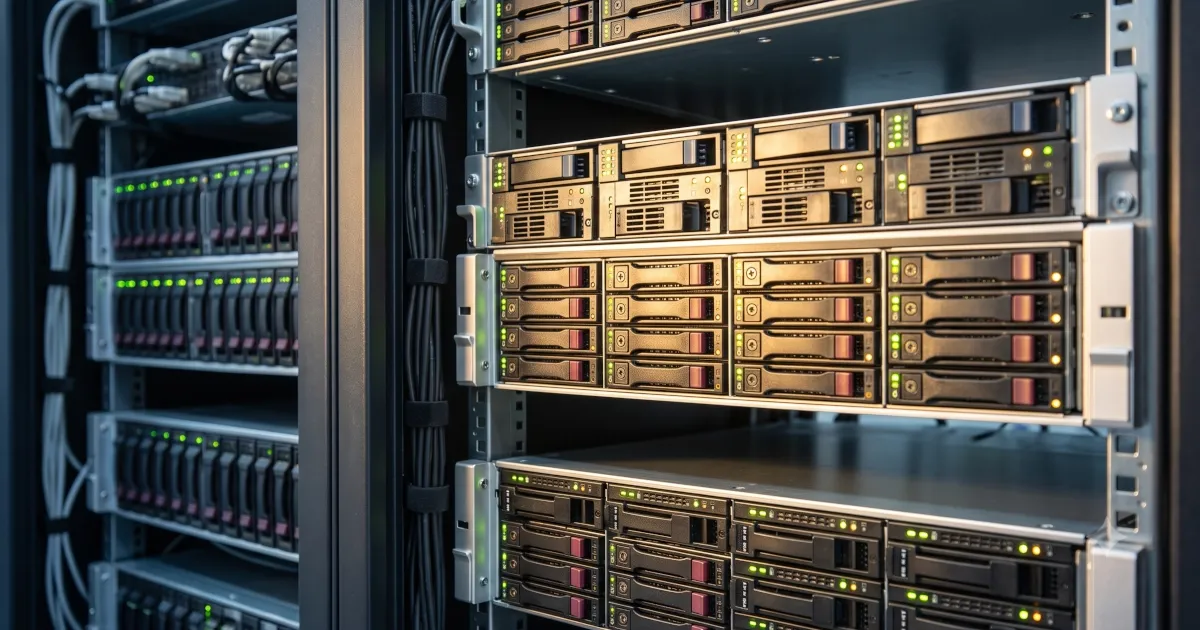
If you are scoping a SAN expansion, you have probably already run into the wall: all-flash and faster arrays give you headroom and performance, but licensing, support, and maintenance costs climb fast. Hold the line on budget and you risk buying capacity that bottlenecks your databases and virtualization in eighteen months.
The trap in that framing is that it treats the whole SAN as one purchasing decision. It is not. A SAN serves a mix of workloads with wildly different performance needs, and the cheapest effective expansion almost always comes from matching each workload to the least expensive media that meets its requirement, then sourcing that capacity smartly. This guide walks through how to do that: how to plan capacity, how to tier, when to expand with refurbished hardware, when to keep an existing array alive with third-party maintenance, and when the right move is to move data off the SAN entirely.
Start with workloads, not terabytes
Raw capacity is the wrong first question. A terabyte of nightly-batch archive and a terabyte of production database do not cost the same to serve well, and buying uniform high-performance capacity for both is how storage budgets balloon. Overloading a SAN with high-capacity, low-performance drives saves money up front but creates operational bottlenecks that are painful and expensive to unwind later. The reverse, paying flash prices for cold data, is just as wasteful.
Categorize what lives on the SAN before you price anything:
| Tier | Example workloads | Performance need | Cost-appropriate media |
|---|---|---|---|
| Hot | Production databases, VDI, transactional VMs | High sustained IOPS, low latency | NVMe or SSD flash |
| Warm | General VM datastores, app servers | Moderate IOPS, predictable latency | SSD or hybrid with flash cache |
| Cold | Archives, backups, compliance retention | Capacity over speed | High-capacity HDD or NAS |
Once workloads are sorted, the math gets manageable. Reserve fast, expensive capacity for the working set that genuinely needs it, and let aging or infrequently accessed data sit on cheaper tiers without distorting the whole purchase. Most data is accessed intensely for about thirty days and then rarely, which makes a simple hot-versus-cold split one of the highest-leverage planning decisions available.
Rule of thumb: Set utilization alerts at 70 percent (start planning expansion) and 85 percent (act now). Past roughly 95 percent, performance degrades and failure risk climbs. Plan for peak demand, not average, since month-end and year-end processing can spike storage needs 20 to 30 percent.
Tier first, buy second
Before adding a single drive, apply the capacity efficiency tools you may already own. Thin provisioning, deduplication, compression, and automated tiering routinely reclaim enough space to defer or shrink an expansion. Moving cold data to a cheaper tier automatically is often the difference between a modest capacity add and a full array purchase.

A cost-first expansion path looks like this: as you approach 70 percent utilization, tier, dedupe, compress, and offload before anything else. If you are still short, add refurbished capacity, extend the existing array's life with third-party maintenance, or offload to NAS, cloud, or SaaS, and recover value on anything you retire.
Expand with refurbished hardware, not OEM premiums
When you do need more physical capacity, the default assumption that it must be new, first-party equipment is where budgets get wrecked. OEMs price maintenance renewals and new-generation hardware to create an incentive to refresh, whether or not the refresh is technically necessary. Certified pre-owned drives, shelves, and controllers carry the same specifications as new units and typically cost 40 to 80 percent less.
ReluTech buys, sells, rents, and leases data center equipment including storage, so you can add capacity to an existing array, or acquire a full secondary array, at a fraction of list price. For platforms like Dell EMC and NetApp, that often means matching your current environment exactly rather than being forced onto the newest generation and its licensing.
| Approach | Relative cost | Best when |
|---|---|---|
| OEM new expansion | Highest | You need the latest generation feature set or the array is genuinely end of life |
| Certified refurbished expansion | 40 to 80% lower | Your current array still meets performance needs and you want matching capacity |
| Offload plus efficiency | Lowest / deferred | Much of your SAN holds cold or non-critical data that can move to cheaper storage |
Keep a working array alive longer with third-party maintenance
Sometimes the array is fine and the only thing forcing an expansion conversation is an expiring or inflated OEM support renewal, or a looming end-of-service-life date. That is not a capacity problem, it is a contract problem. Third-party maintenance supports servers, storage, and network gear after the OEM warranty ends, typically at 50 to 80 percent below OEM pricing, with flexible short-term and coterminous contract options rather than rigid multi-year lock-ins.
That flexibility matters most during transitions. If you are migrating data between arrays, a month-to-month or six-month agreement covers the old platform without committing you to another full renewal. And when you are finally ready to retire the hardware, the same provider can often buy it back.
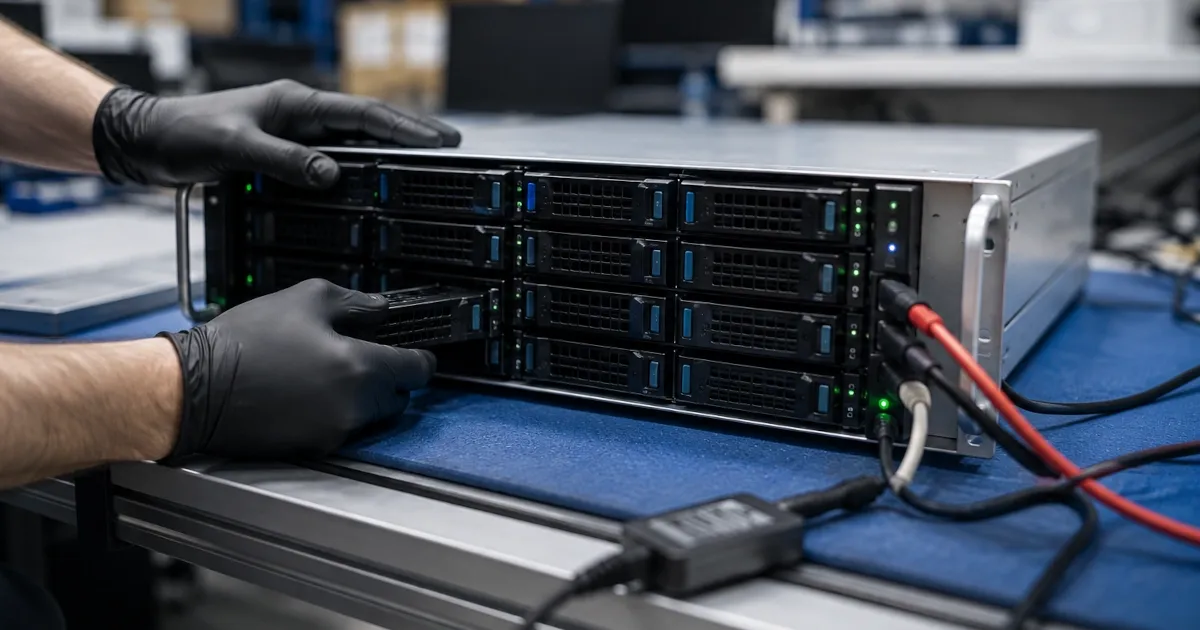
Why it saves: OEMs and their resellers are paid to push a refresh every three to five years and to lock in maintenance contracts alongside. Independent support and pre-owned hardware break that cycle, so you spend on capacity and performance when a workload demands it, not on the vendor's schedule.
Ask whether the data belongs on the SAN at all
The most cost-effective expansion is sometimes the one you avoid. Before buying, audit what is actually consuming your SAN, because a surprising share is often not performance-sensitive at all. Email, general file shares, and archives can frequently move to SaaS, an enterprise NAS, or cloud object storage at a far lower cost per terabyte, freeing premium SAN capacity for the databases and virtualization that need it.
For organizations already committed to the cloud, some workloads may be candidates to migrate off on-premises storage entirely rather than expanded in place. The point is not to move everything, it is to right-size the SAN to the workloads that genuinely justify it, and to stop funding capacity growth for data that could live somewhere cheaper.
SAN expansion planning checklist
- Categorize every workload on the SAN as hot, warm, or cold
- Set utilization alerts at 70 and 85 percent
- Measure sustained and peak IOPS and latency per workload, not just capacity
- Apply tiering, deduplication, and compression before buying
- Identify cold or non-critical data that can move to NAS, cloud, or SaaS
- Price certified refurbished capacity against OEM new for the same specs
- Check whether an expiring support renewal is really a contract problem, not a capacity one
- Plan the disposition and buyback value of any hardware you retire
Recover value from what you retire
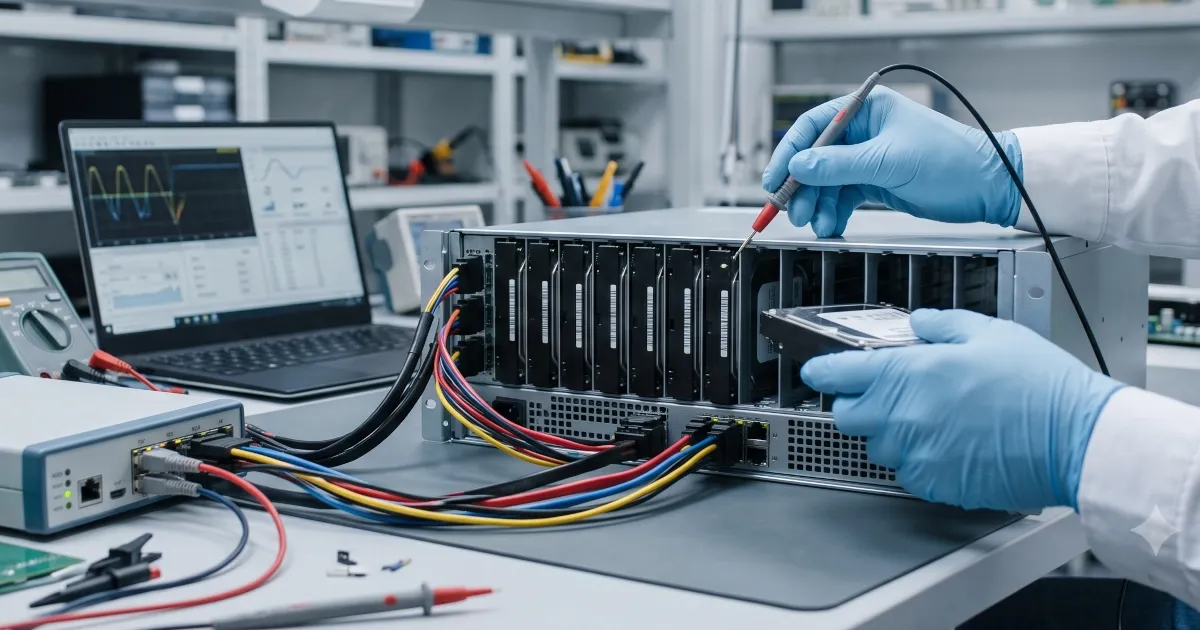
Expansion and retirement are two ends of the same lifecycle. When drives, shelves, or whole arrays come out of service, they still hold value, both as recoverable capital and as data-bearing assets that must be sanitized properly. ReluTech's R2v3-certified IT asset disposition handles secure data destruction with serialized chain-of-custody documentation, and the buyback proceeds can be applied directly against the cost of your expansion. Retiring the old and provisioning the new becomes one funded transaction instead of two separate line items.
Frequently asked questions
How do you balance performance and cost when expanding SAN storage?
Start by categorizing workloads by IOPS and latency needs, then match each tier to the cheapest media that meets its requirement. Reserve flash for the active working set, move cold data to lower-cost drives or a NAS, and consider refurbished arrays and third-party maintenance to add capacity without paying OEM new-gear premiums. The goal is to spend on performance only where a workload actually demands it.
Is it cheaper to expand a SAN with refurbished hardware?
Yes, in most cases. Certified pre-owned drives, shelves, and controllers typically cost 40 to 80 percent less than OEM-new equivalents while carrying the same specifications. Pairing refurbished capacity with third-party maintenance also avoids the inflated support renewals OEMs use to push new purchases.
Should I move data off my SAN instead of expanding it?
Often, yes. Before buying more SAN capacity, audit what is consuming it. Email, archives, and general file shares can frequently move to SaaS, enterprise NAS, or cloud object storage at a lower cost per terabyte, freeing high-performance SAN capacity for the workloads that truly need it.
What metrics should drive a SAN upgrade decision?
Track capacity utilization with alerts at 70 and 85 percent, sustained and peak IOPS per workload, read and write latency, and cache hit rates. Upgrade decisions should be driven by which workloads are missing their latency targets, not by raw capacity alone.
Related reading
- Third-party maintenance and support services
- Buy, sell, rent, and lease data center equipment
- NetApp third-party support and hardware
- Dell EMC third-party support and hardware
Ready to expand your SAN without the OEM premium? Tell us what you are running and where you are running short. Get a storage assessment.
